Open the Terminal app and type cd Desktop. Press Enter.
Next type: sudo dpkg -i PosterBooking.deb
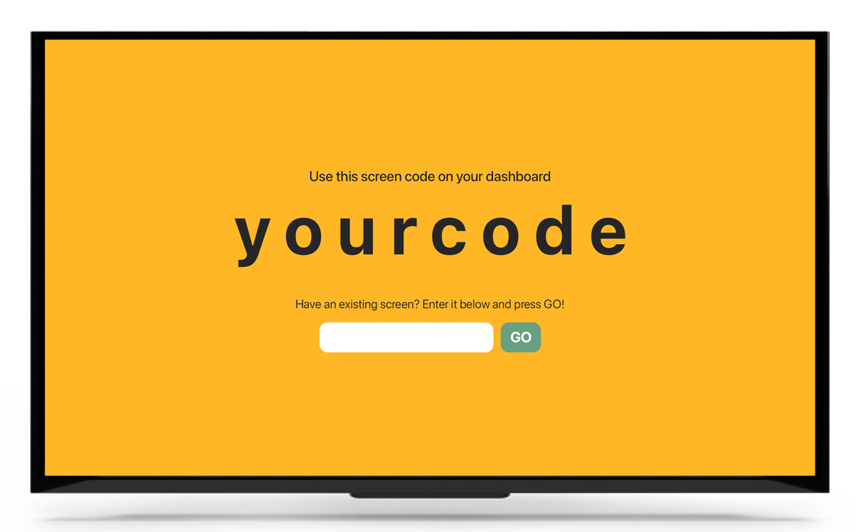
Click on the Raspberry Pi Main Menu, scroll to accessories and open the PosterBooking app
And you’re done!
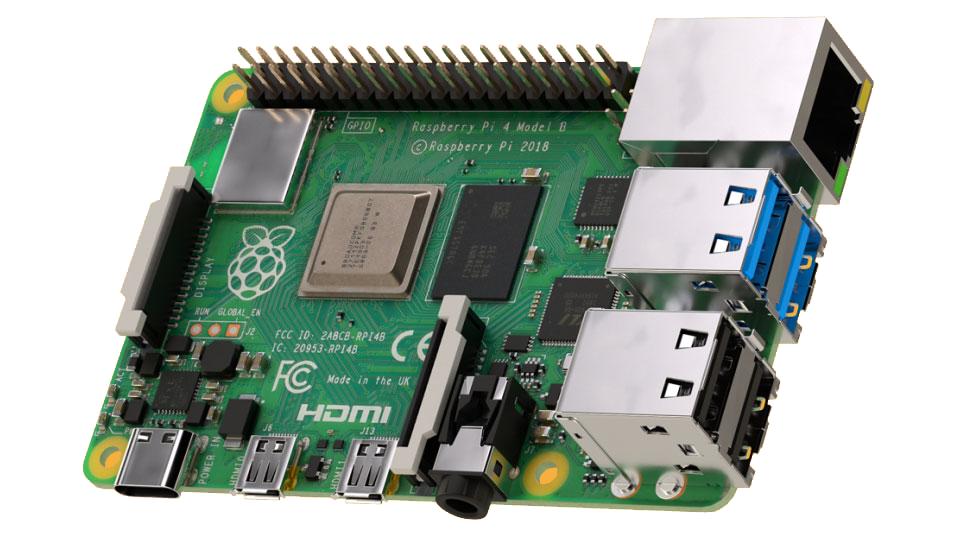
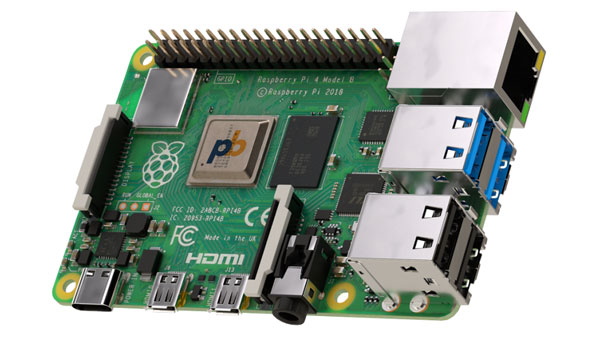
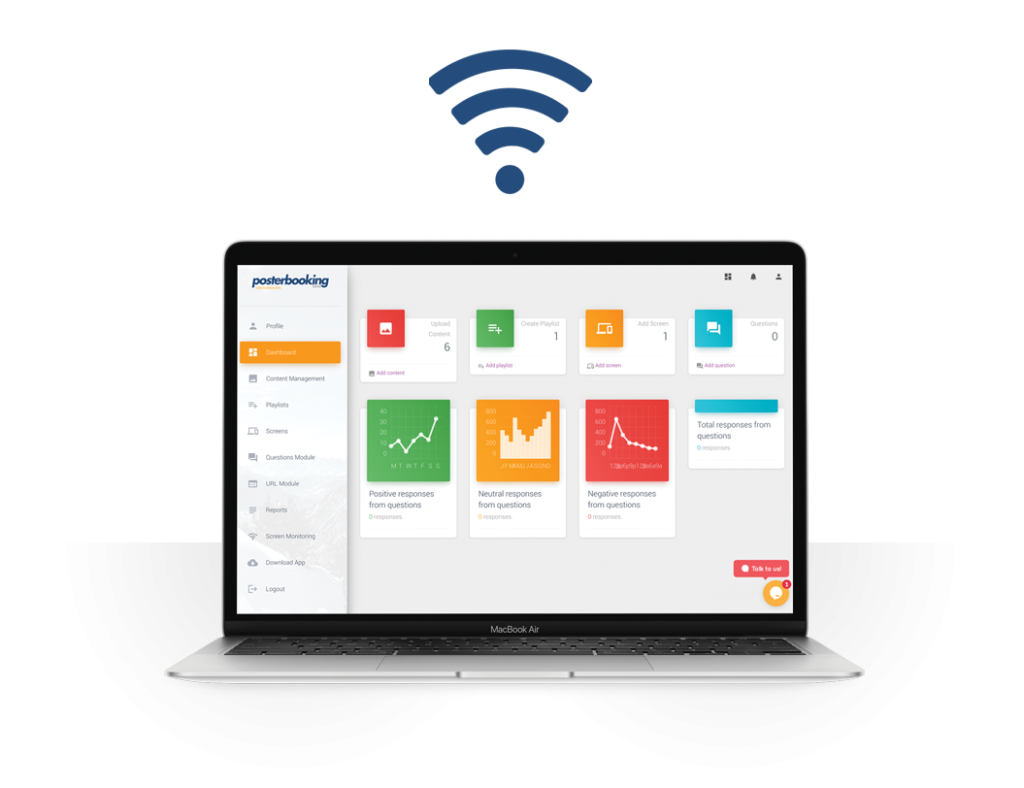
Our Raspberry Pi Software lets you control your digital signage content from anywhere in the world.
You can manage how adverts appear on your digital signage screens. Whether it’s on one screen or a whole network, you can schedule your content, and get reports on your ads that are being displayed.
We know how painful it can be to find the right solution, and sometimes it’s either too costly or the free trial doesn’t last long enough to make a decision. That’s why with PosterBooking your first 10 screens are completely free